
Download DRmare M4V Converter – M4V to MP4 Converter, DRM Removal, iTunes Video Converter
Overview
DRmare M4V Converter is a specialized utility designed to address the limitations imposed by digital rights management (DRM) on videos purchased through iTunes. The primary purpose of this software is to remove DRM protection from M4V files, enabling users to convert them into the widely compatible MP4 format. This transformation allows for greater flexibility in media playback across various devices and platforms, breaking the restrictions that limit content usage to Apple ecosystems.
The app targets individuals who own a library of iTunes-purchased movies, TV shows, or other video content and wish to access them beyond Apple devices. Whether for personal backup, cross-device viewing, or sharing with family members, DRmare M4V Converter provides a solution for users frustrated by content lock-in. It is particularly useful for those seeking a seamless way to migrate their digital media to non-Apple platforms such as Android, smart TVs, or media players.
Developed by DRmare, the software integrates directly with iTunes, streamlining the conversion process. Although the developer did not provide additional technical details about the company’s background or history, the app has been available since its release on September 15, 2017, indicating a stable presence in the productivity tool space. Its role in the digital media ecosystem is significant, as it empowers users to reclaim ownership of their legally purchased content.
Key Features & Functionality
- DRM Removal Made Easy: The software effectively strips DRM protection from M4V files, allowing users to freely play, share, and store their purchased videos without platform restrictions.
- Format Conversion: Converts M4V files to MP4 format, a universally supported video standard that ensures compatibility with nearly all modern devices and media players.
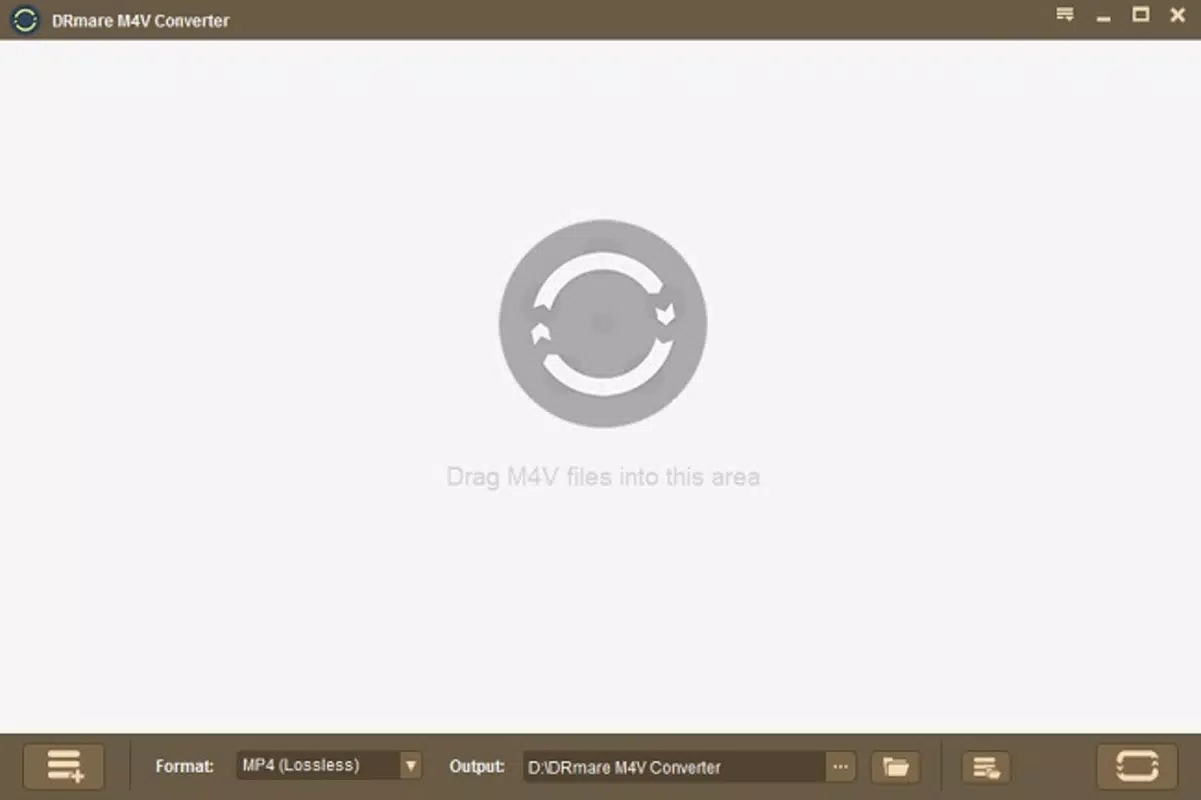
- User-Friendly Interface: Features a clean, drag-and-drop interface that allows users to import files directly from their iTunes library with minimal effort.
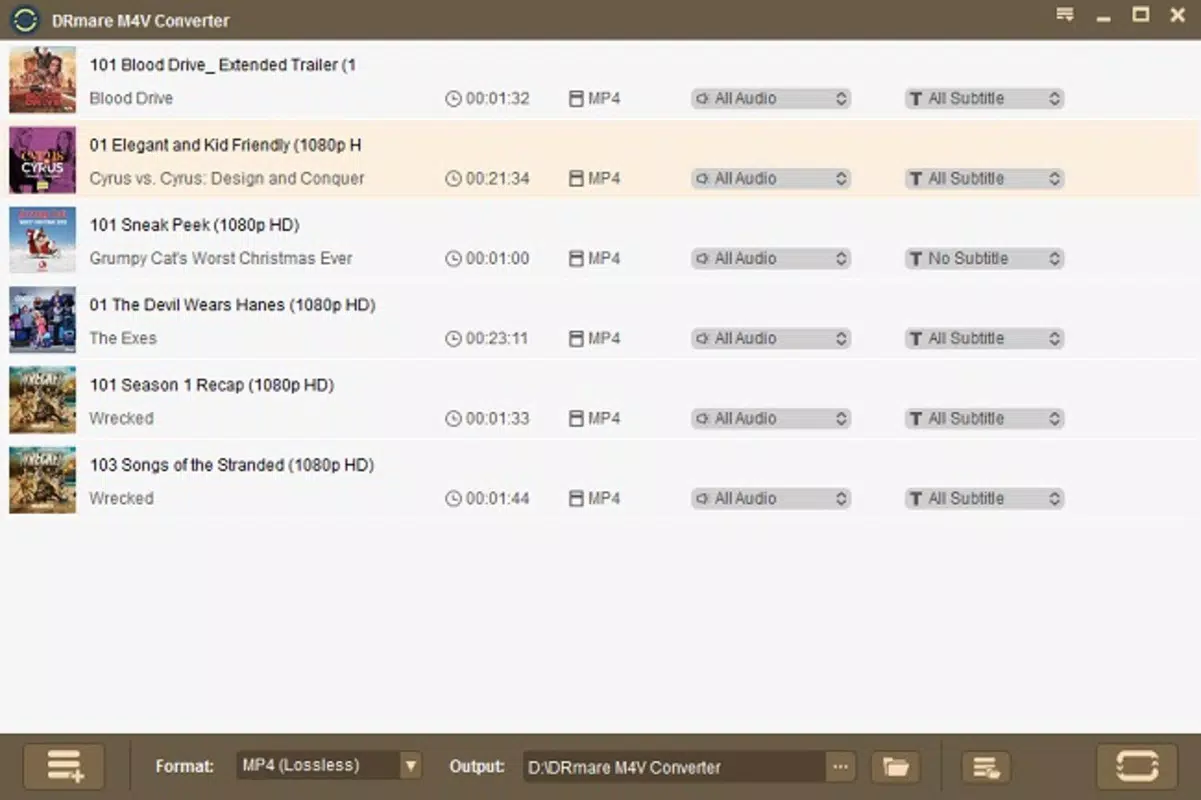
- Batch Conversion Support: Enables simultaneous conversion of multiple files, significantly reducing time and effort for users with large video libraries.
- Preserved Quality: Maintains original video and audio fidelity during conversion, ensuring no degradation in picture clarity or sound quality.
For example, a user with a collection of 20 iTunes-purchased movies can import them all at once, initiate batch conversion, and receive high-quality MP4 files ready for playback on a Samsung Smart TV or a Windows laptop. This functionality is especially valuable for those seeking a centralized, device-agnostic media library. The software’s ability to retain original quality ensures that the viewing experience remains consistent with the source material.
Interface, UX & Performance
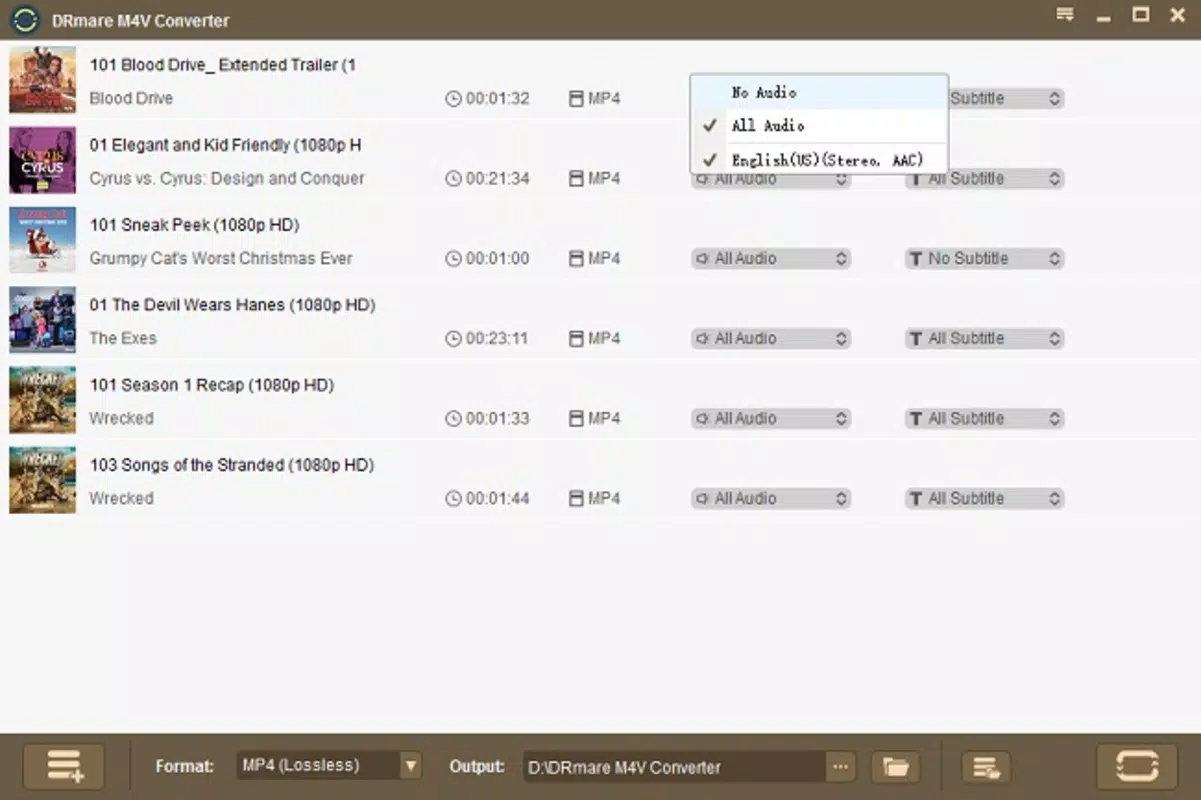
The user interface of DRmare M4V Converter is designed with simplicity and efficiency in mind. The layout is minimalistic, focusing on core functions such as file import, conversion settings, and output management. Navigation is intuitive, with clear labels and a logical flow that guides users through each step of the conversion process.
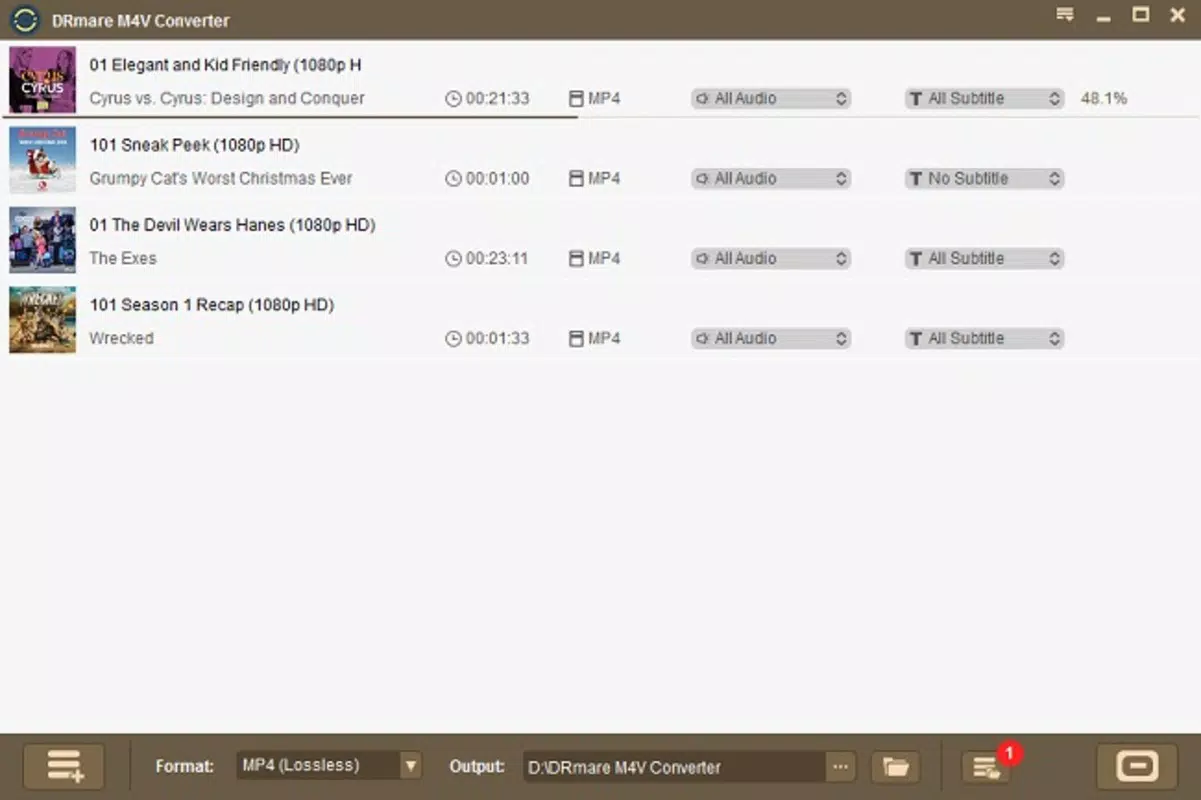
Users can drag and drop M4V files directly from their iTunes library into the application window, eliminating the need for complex setup or configuration. The interface remains responsive during file processing, and the software provides real-time progress indicators for each conversion task. Although the developer did not list formal performance metrics, the app is reported to handle standard-definition and high-definition videos efficiently, with processing times varying based on file size and system specifications.
Performance across different device categories appears consistent, with stable operation on both Windows and macOS platforms. The application does not consume excessive system resources during conversion, allowing users to continue other tasks without significant interruptions. Stability is maintained even during batch processing, though users are advised to ensure their system meets the minimum requirements for smooth operation.
Platform Compatibility & Technical Requirements
DRmare M4V Converter is available for both Windows and macOS platforms, making it accessible to a broad user base. The software requires a compatible operating system, though specific minimum OS versions were not listed by the developer. The application has a file size of 36.8 MB, indicating a lightweight installation that does not impose significant storage demands.
Given its release date of September 15, 2017, and the absence of updated version details, users should verify compatibility with their current system setup. The developer did not specify whether the software supports newer versions of Windows or macOS beyond its initial release. It is recommended to consult official sources before installation to ensure full functionality on modern systems.
Pros and Cons
Pros
- Efficient removal of DRM protection from iTunes-purchased M4V files.
- Conversion to MP4 format ensures broad device compatibility.
- Supports batch processing for multiple file conversions.
- Preserves original video and audio quality during conversion.
- Intuitive drag-and-drop interface suitable for all user levels.
Cons
- Price point of $49.95 may be considered high for casual users.
- Developer did not provide detailed system requirements or OS compatibility.
- Software has not been updated since 2017, raising concerns about long-term support.
- No mobile app version available for iOS or Android devices.
- DRM removal may have legal implications depending on jurisdiction.
FAQ
Is DRmare M4V Converter safe to download and use?
The software is designed to work with legally purchased content. However, users should be aware that removing DRM protection may violate terms of service in certain regions. Always ensure compliance with local laws before using such tools.
Can I convert M4V files from my iTunes library?
Yes, the app is specifically designed to convert M4V files from iTunes. Users can import files directly from their iTunes library using the drag-and-drop feature.
Does the software support batch conversion?
Yes, DRmare M4V Converter supports batch conversion, allowing users to process multiple files simultaneously for improved efficiency.
Will the converted files retain the original quality?
Yes, the software maintains the original video and audio quality during conversion, ensuring no loss in fidelity.
Is there a free version or trial available?
The provided information does not mention a free version or trial. The app is listed at a price of $49.95, suggesting it is a paid tool with no publicly available free alternative.
Final Thoughts
DRmare M4V Converter offers a targeted solution for users seeking to free their iTunes-purchased media from DRM restrictions. Its ability to convert M4V files to MP4 with preserved quality and batch processing capabilities makes it a valuable tool for anyone managing a digital video library. While the price and lack of recent updates may deter some users, its core functionality remains effective for those who prioritize flexibility and compatibility.
For individuals with extensive iTunes content and a need for cross-platform playback, this software delivers tangible benefits. It empowers users to take full control of their legally acquired media, enhancing accessibility and convenience.
Download DRmare M4V Converter now


